1. Go to befunky.com
2. Click on “Photo Editor”

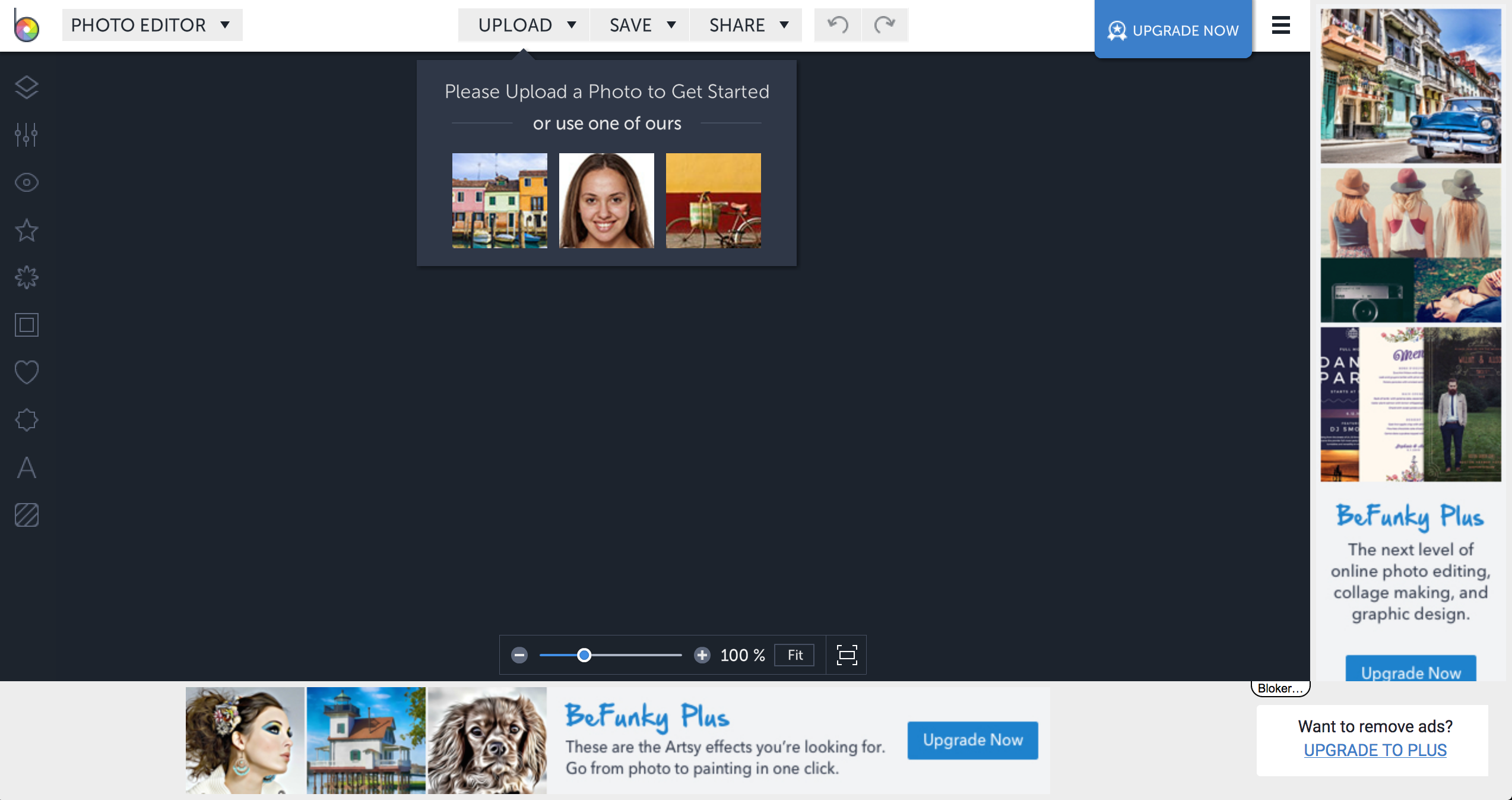
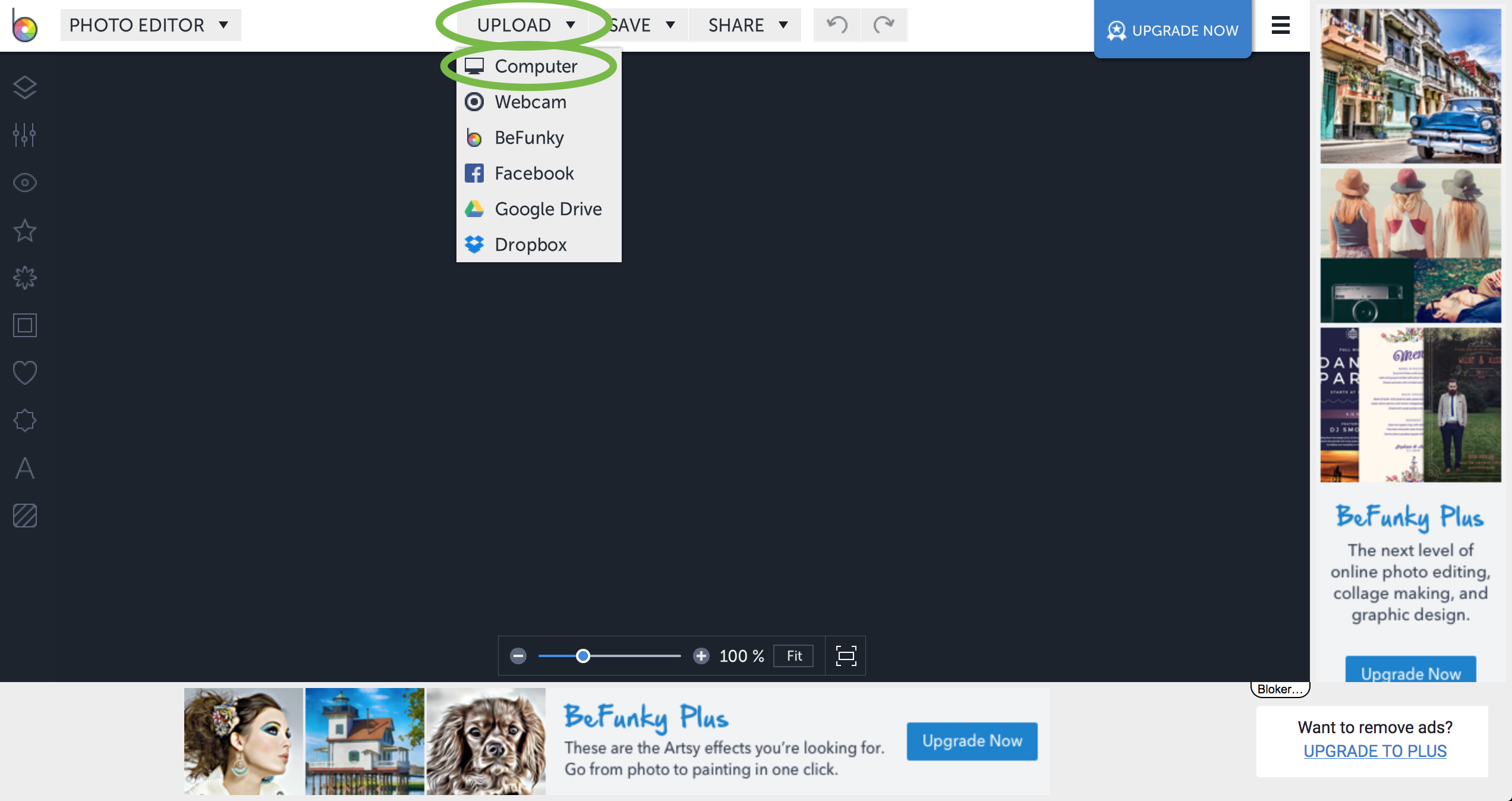
3. Click on “Upload” and “Computer”
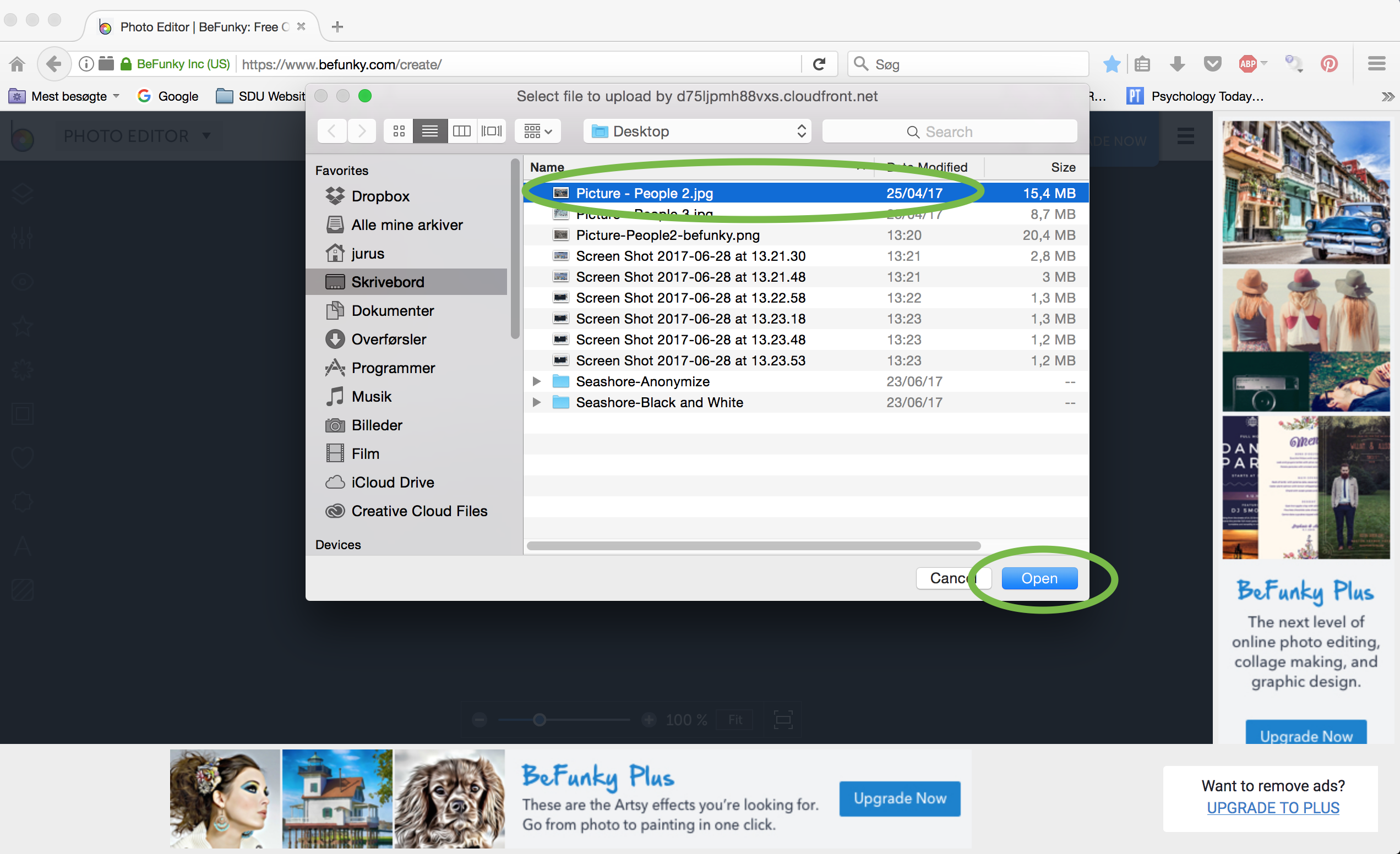
4. Select the image you want to work on and click “Open”

5. Click on “Effect”

6. Click on “Stencil”

7. Select the stencil effect you want to use

8. Click on the edit button

9. Adjust the settings to what you want
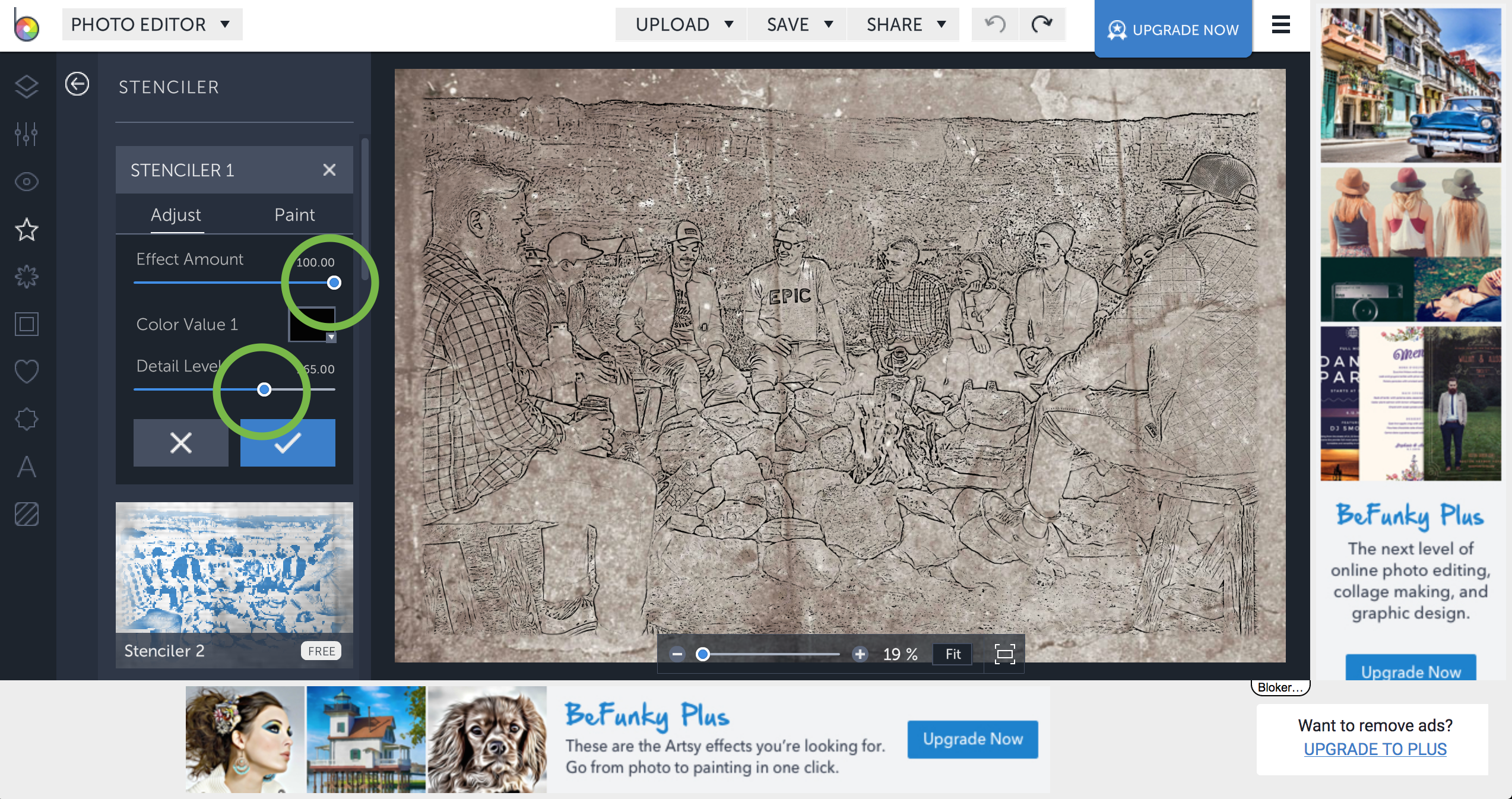
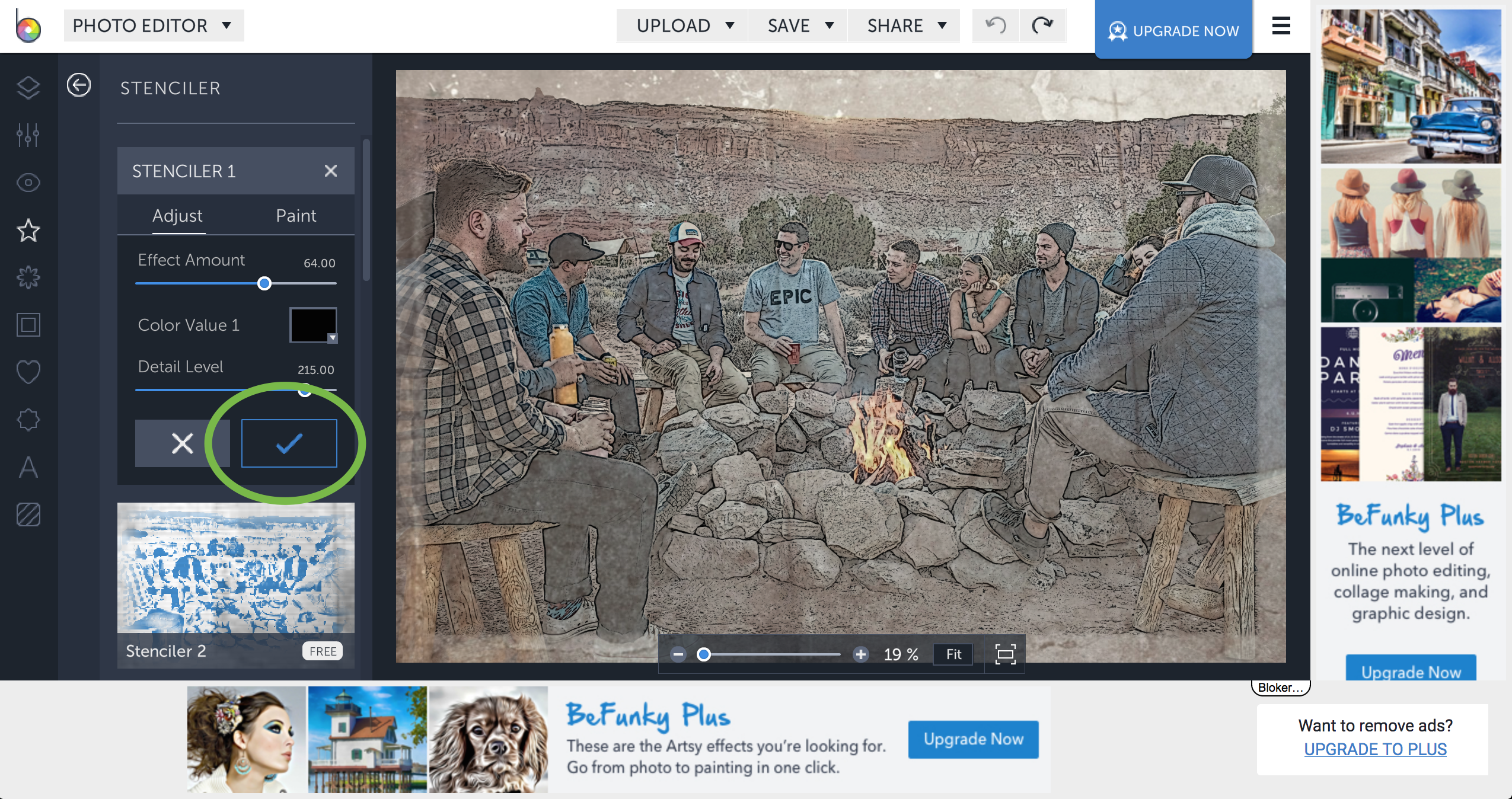
10. Click the check mark button when you are done
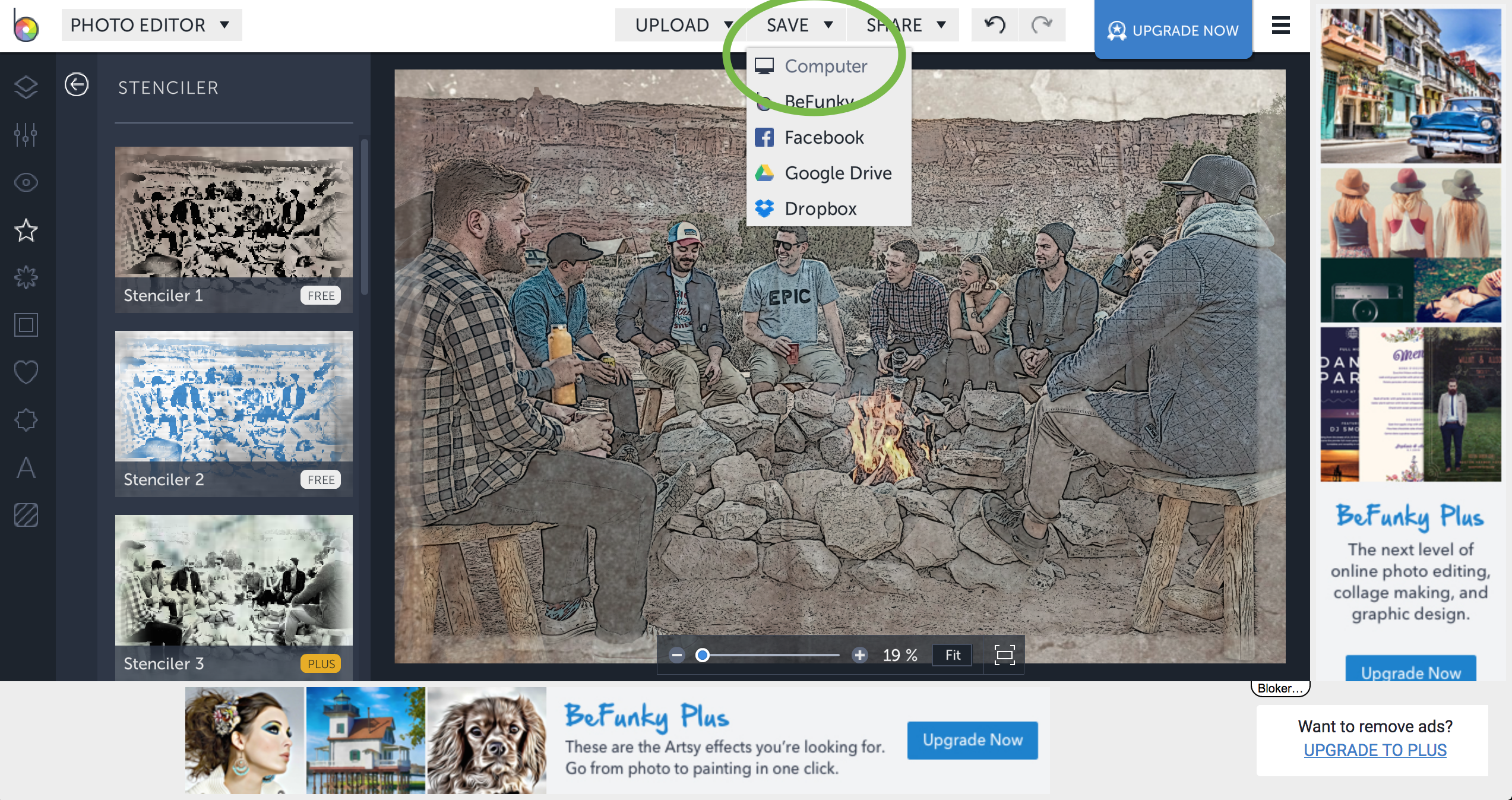
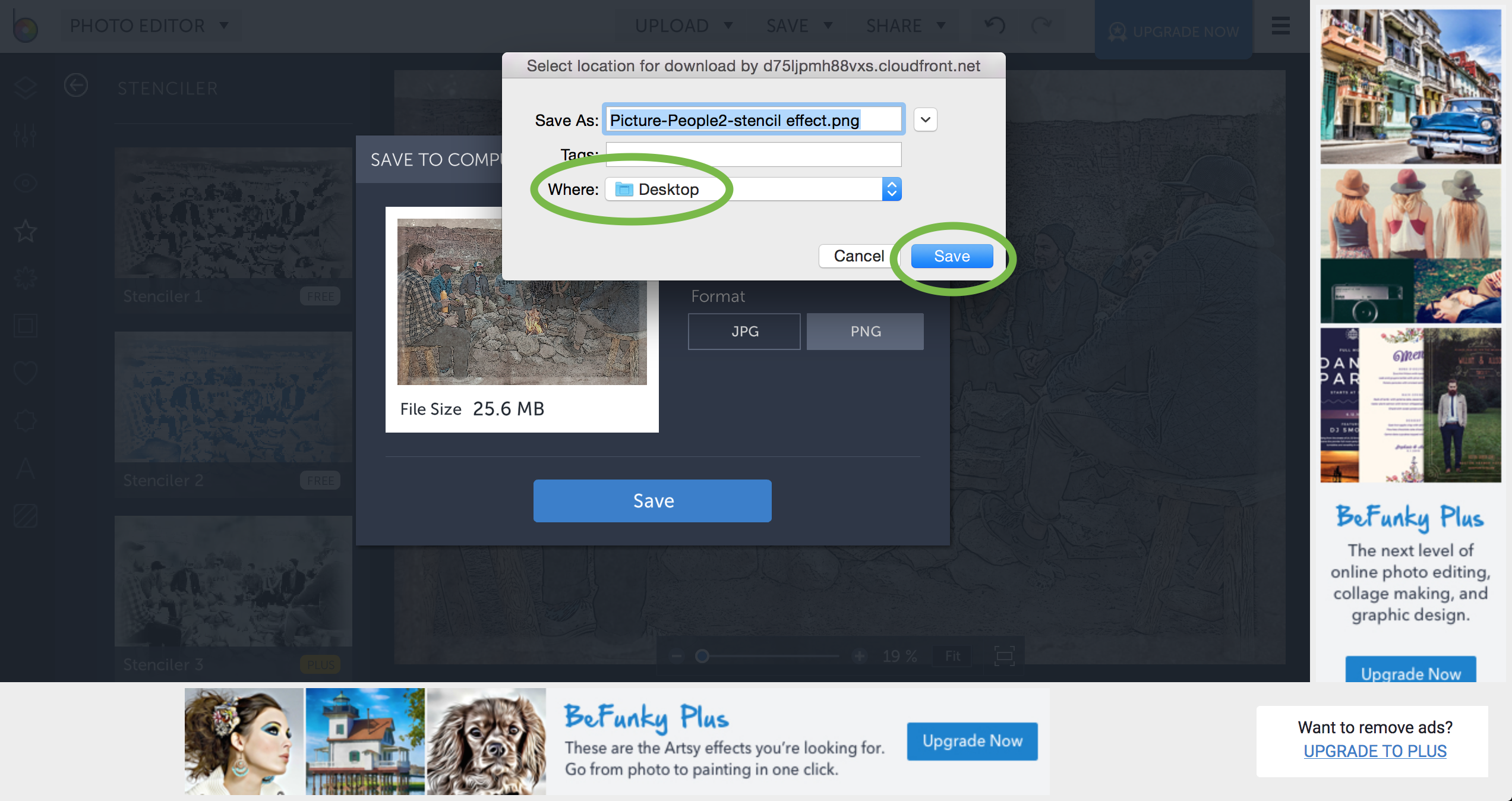
11. Click “Save” and “Computer”
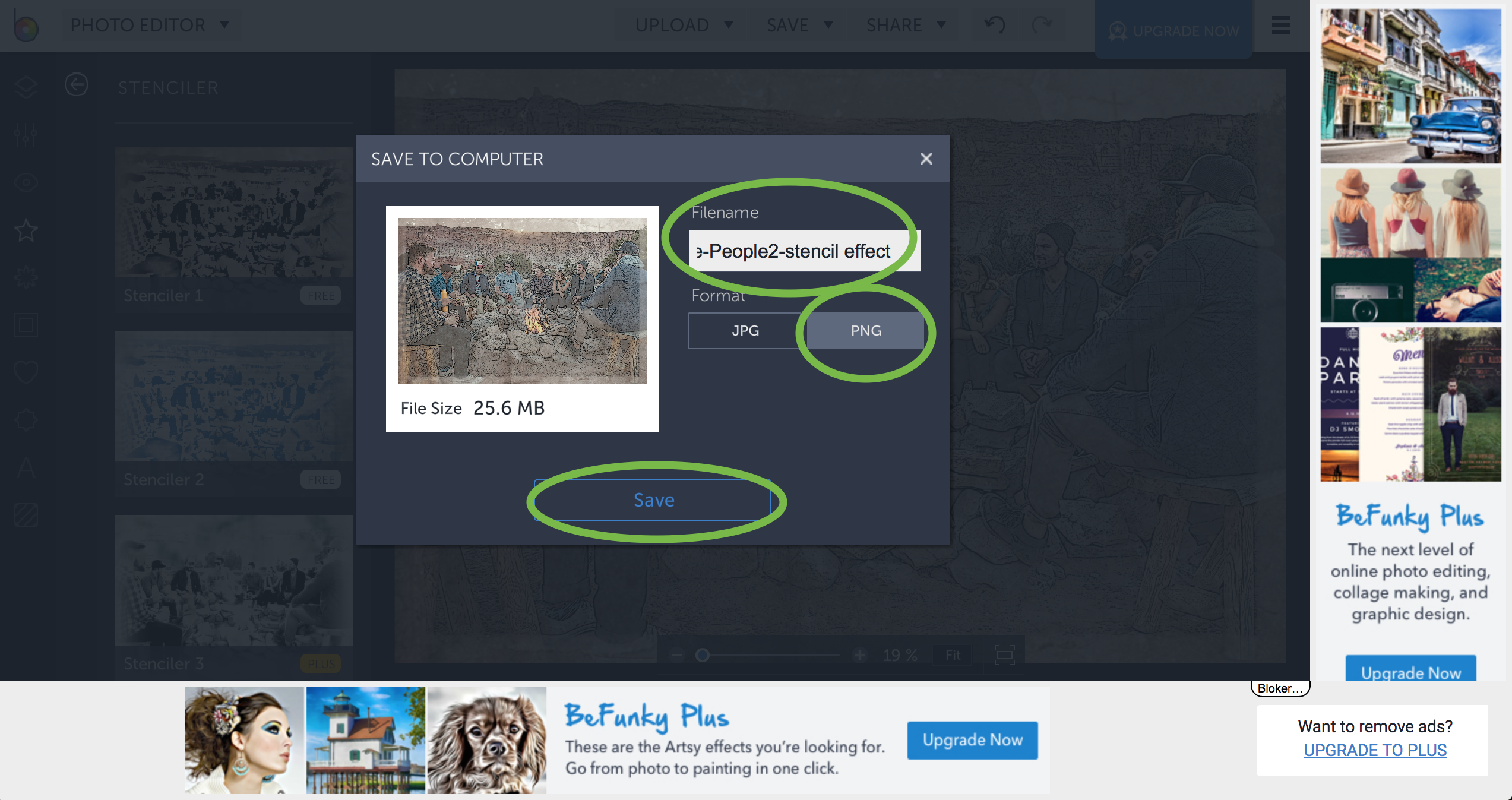
12. Give your file a name, select the format and click “Save”
13. Choose the destination and click “Save”
Done.
